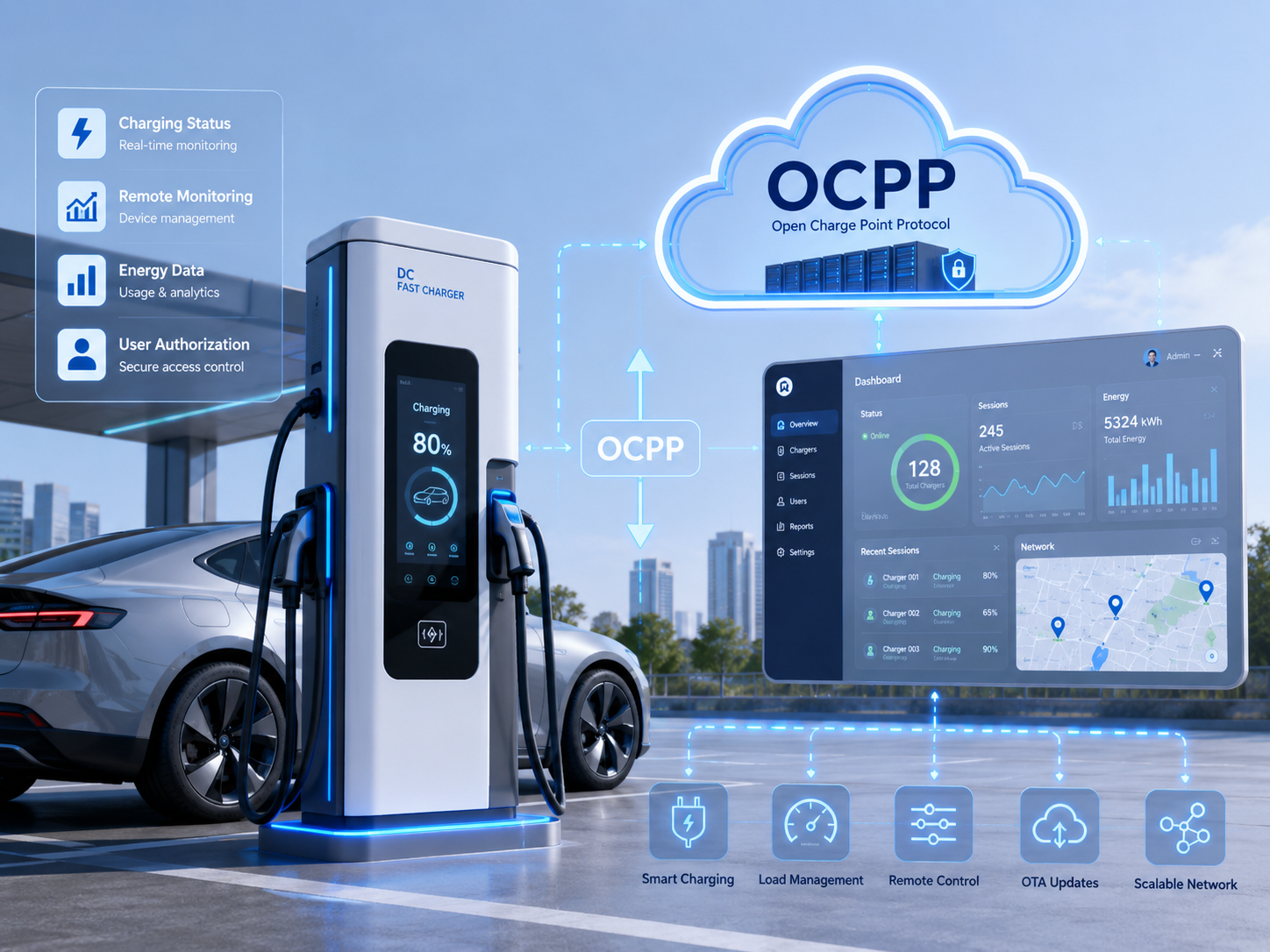
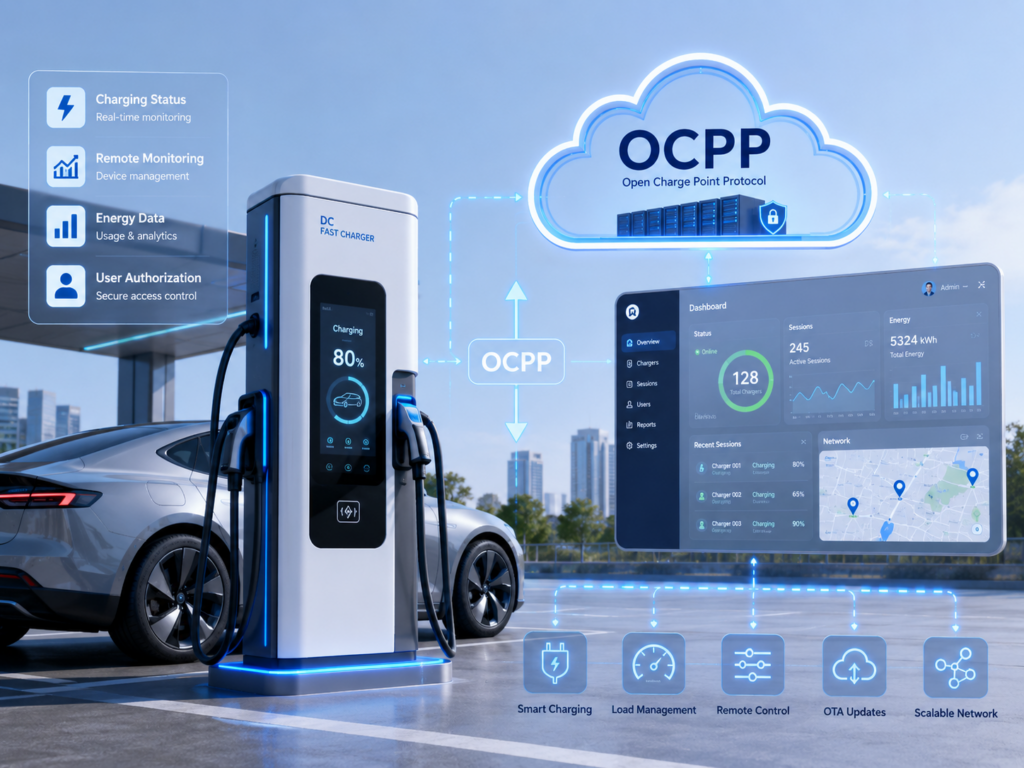
When a charging station appears offline, the problem is not always the charger hardware. In many projects, the root cause is a mismatch between network conditions, backend configuration, charger time, TLS settings, or OCPP message sequence.
Start with the basics: confirm the WebSocket URL, charger identity, TLS certificate chain, DNS resolution, SIM card or Ethernet route, and firewall rules. Then compare charger logs with backend logs. The timestamps must be aligned, otherwise a normal reconnect can look like a random failure.
For OCPP projects, check BootNotification, Heartbeat, StatusNotification, StartTransaction, StopTransaction, and MeterValues. Do not replace the charging module before the communication path is proven. The fastest solution is often a shared log review between the charger firmware engineer, CSMS engineer, and network engineer.